Give your Minecraft world a safer address
A Minecraft address gets shared because people want to come back. Put that address on a protected edge and keep the machine behind it private
A Minecraft server address rarely stays with the person who created it. It ends up in a group chat, a launcher, a community page and the bookmarks of people who plan to come back tomorrow. That is the point of running a server: a world becomes a place people share
For the person operating it, the same address can become an awkward piece of infrastructure to expose. If players connect straight to the host’s public IP, the address of the game and the address of the machine are effectively the same. A firewall rule can allow Minecraft, but the host still sits at the destination everyone has been given
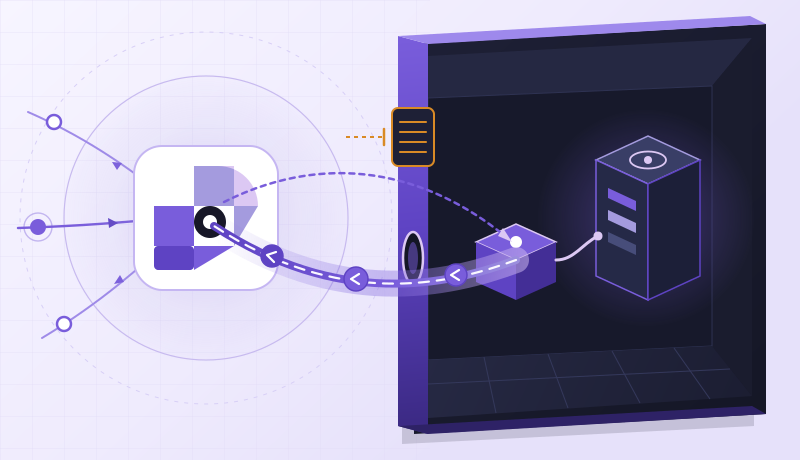
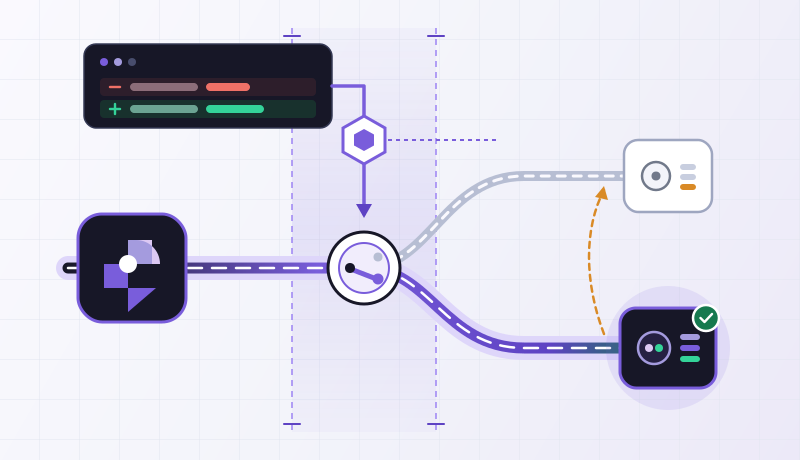
RingLink puts the player-facing entry on its global edge. Players use that entry to reach the game; the game process remains on infrastructure you control. Combined with an outbound Connector, the Minecraft listener can stay private
One address people can keep coming back to
Minecraft Java’s usual gameplay connection is TCP on port 25565. The game client already knows how to connect to a hostname and port, so the player side needs no extra networking client. You give people the RingLink application address, and they use it in Multiplayer as they would any other server
The origin side changes more. In our configuration, an ordinary Connector runs on the Minecraft host, and the game binds to 127.0.0.1:25565. The Connector establishes the outbound connection that carries the game traffic. There is no separate public inbound path to that listener
Java Edition · TCPTCP · Protected entryProxy Protocol: off:25565 · TCPLocal TCP listener · 127.0.0.1:25565The public hostname now identifies the application entry rather than advertising the game host’s management address. That makes it easier to change the underlying deployment without sending a new address to every player. It also gives network protection a clear place to operate before traffic reaches the game
There is still a real Minecraft server on the other side
We used Minecraft Java Edition 1.21.1 with Java 21. The server is the regular Java server, downloaded from Minecraft’s official site and started in its own directory after accepting its EULA. For a server you already run, the interesting change is in server.properties
On a fresh Ubuntu 24.04 host, the following commands install Java 21, download the official 1.21.1 server and verify its SHA-1 before the first start. Run them as your normal service user. For a different Minecraft release, obtain its own official download and checksum, and match the player clients to that version
set -e
sudo apt-get update
sudo apt-get install -y openjdk-21-jre-headless curl
mkdir -p ~/minecraft
cd ~/minecraft
curl --fail --location --output server.jar \
  https://piston-data.mojang.com/v1/objects/59353fb40c36d304f2035d51e7d6e6baa98dc05c/server.jar
printf '59353fb40c36d304f2035d51e7d6e6baa98dc05c  server.jar\n' | sha1sum -c -
java -version
java -Xms1G -Xmx2G -jar server.jar nogui
The first start writes the configuration and exits until you accept Minecraft’s EULA. Read the linked agreement in eula.txt; if you agree, change eula=false to eula=true. Before starting again, set the following properties. Adjust -Xmx for your world and player count, leaving memory for the operating system and Connector
server-ip=127.0.0.1
server-port=25565
online-mode=true
white-list=true
enforce-whitelist=true
enable-query=false
enable-rcon=false
The fresh server is already stopped after that first run. If you are changing an existing world, enter stop in its console before editing server.properties, then restart it. Keep online-mode=true for player-facing service; the Connector changes how traffic arrives, while Minecraft still controls who may join
cd ~/minecraft
java -Xms1G -Xmx2G -jar server.jar nogui
Wait for the server console to report Done before connecting players. Enter whitelist add PLAYER_NAME in that console for each account, then use whitelist list to confirm the names. Leave this console open for the first connection; its join and disconnect messages are much more useful than guessing from a launcher error. Later, put the process under your usual service manager and keep world backups on their normal schedule
In Dashboard, add an ordinary Connector to an active instance and run its generated setup command on the game host. Create a TCP application using that Connector, with local address 127.0.0.1 and local port 25565. Use the public port returned by the application; 25565 is convenient when available, while a shared plan may require another port
Add YOUR_RINGLINK_HOST:YOUR_EDGE_PORT in Minecraft’s Multiplayer screen. Refreshing the entry should show the expected server description. Joining goes further: the client must log in, receive the world and continue exchanging game data. An open TCP socket alone cannot tell you that those steps worked
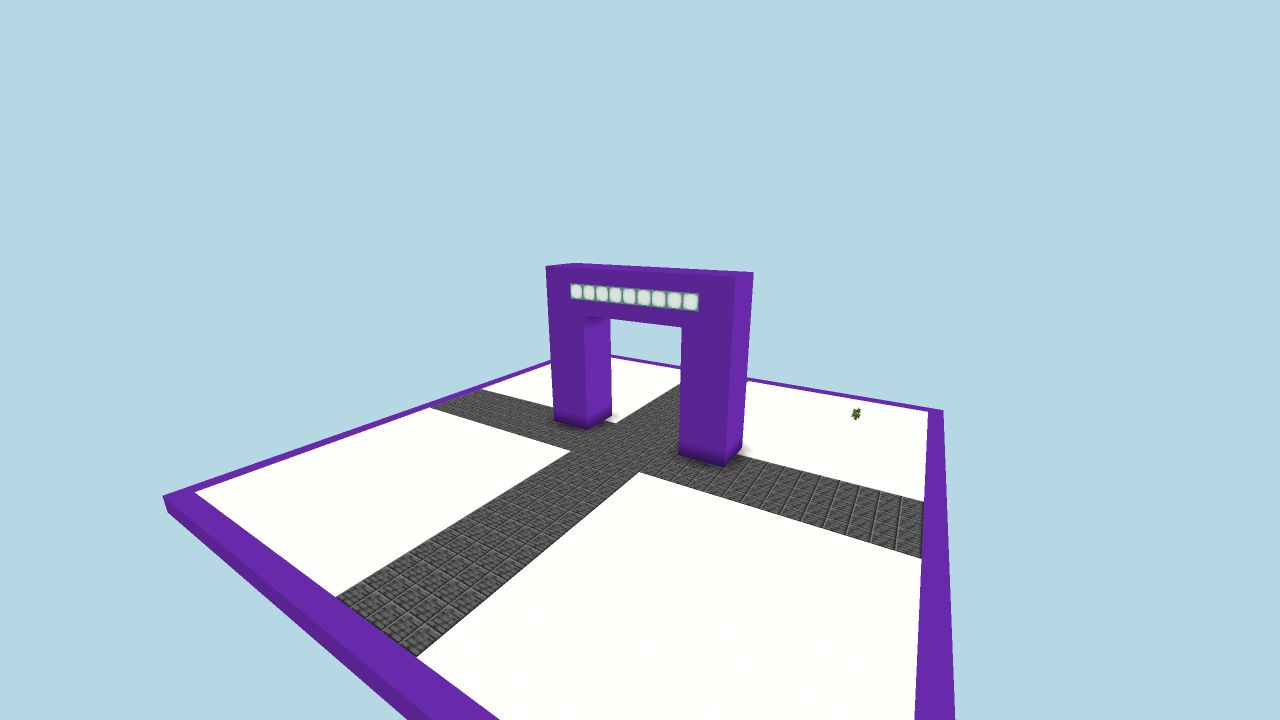
The public entry returned the 1.21.1 server status, and an allowlisted Mineflayer client received the world’s chunks through that same entry. Prismarine Viewer rendered the scene above. We temporarily disabled online authentication for this synthetic player capture and restored it afterwards. This checks game-protocol traffic and world delivery; Microsoft account authentication is separate. Keep online-mode=true for your own players
A server-list response is the beginning of the check
If the entry cannot be reached, first confirm that the Minecraft process finished starting, then check the ordinary Connector is online and the application targets TCP 127.0.0.1:25565. If the server appears in Multiplayer but refuses the player, look at the game console: a version mismatch, account-authentication failure or missing whitelist entry is a different problem from an unreachable origin. Do not turn off online-mode to solve a player login failure
After joining, move around far enough to load more chunks and reconnect once. That exercises a sustained game connection rather than only the short server-status exchange. Once that works, share the public hostname and port with the rest of the community
Protect the connection without losing the game’s own controls
Network protection and game administration have different jobs. RingLink’s edge provides the connection and DDoS protection associated with the selected service. Minecraft’s authentication, permissions, backups and plugin choices remain part of running the world
One detail matters for moderation: Connector-origin applications keep Proxy Protocol off, and the local listener sees the Connector-side address. Use authenticated player identities for access decisions. IP bans and per-IP limits at that local listener cannot identify each original player independently
Java and Bedrock also have different networking needs. This article follows the Java TCP path. Bedrock normally uses UDP, and voice, query or mod services can introduce their own ports. Publish those only when you need them, using a supported protocol and a separate application for each Connector target port. RCON belongs on a private management path
If the old origin address has already been shared widely, include that existing route in the migration. A new address in the community announcement does not close an old listener that is still exposed
For players, the goal is pleasantly ordinary: open Minecraft, choose the server and return to their world. Giving the public address to the edge lets the host stay focused on running that world